

⚡ Quick Summary: How to Cancel Planet Fitness in 2026
If you want the direct answer to how to cancel your Planet Fitness membership, here are the three accepted methods in 2026:
In-App / Online (Select States Only): If you live in California, New York, or states with recent “click-to-cancel” laws, you can cancel directly in the PF App.
In-Person (Most Common): Go to your “Home Club” (where you signed up) and fill out a physical cancellation form at the front desk.
Certified Mail: Send a written cancellation letter via USPS Certified Mail to your Home Club.
Crucial Rule: They do not accept cancellations over the phone or via standard email.
It is one of the oldest jokes in the fitness industry: Joining Planet Fitness takes two minutes and $10, but leaving requires an act of Congress.
For years, Planet Fitness deliberately made its cancellation process tedious, hoping the friction of having to visit the gym in person or mail a physical letter would keep you paying that $10 a month indefinitely. However, the landscape has shifted.
Thanks to sweeping consumer protection laws passed leading up to 2026, the “Judgment Free Zone” has been forced to modernize its cancellation policies in several major markets.
Whether you are upgrading to a gym with free weights like Crunch Fitness, or you simply want to stop the auto-drafts, this guide will walk you through the exact, step-by-step process of canceling your Planet Fitness membership without getting hit by hidden annual fees.
Method 1: The In-App Cancellation (New for 2026)
This is the biggest update to the Planet Fitness policy in years.
If you live in a state that has passed strict “Click-to-Cancel” subscription laws (most notably California, New York, Colorado, and Illinois), Planet Fitness is now legally required to let you cancel your membership online if you originally signed up online.
Step-by-Step In-App Cancellation:
Open the Planet Fitness App on your smartphone.
Tap on the “My Account” icon (usually in the top right corner).
Scroll down to the “Membership” section.
Look for a button that says “Cancel Membership.” (If you do not see this button, your state does not yet mandate online cancellations, and you must use Method 2 or 3).
Follow the prompts. Take a screenshot of the final confirmation screen.
> Bing SEO Pro Tip: Even if you successfully cancel in the app, always check your bank statement on the 17th of the following month to ensure the auto-drafts have actually stopped.
Method 2: Canceling In-Person (The Standard Way)
If you don’t live in a “click-to-cancel” state, this is the fastest and most reliable way to end your contract.
Locate Your Home Club: You cannot cancel at just any Planet Fitness. You must go to the specific location where you originally signed your contract (your “Home Club”).
Go During Staffed Hours: Don’t go at 3 AM. Make sure you go when a manager or an authorized desk attendant is working (usually 9 AM to 7 PM).
Bring Your Info: Bring your physical ID (driver’s license) and your Planet Fitness key tag or digital barcode.
Request the Form: Ask the front desk for a “Membership Cancellation Form.”
Get a Receipt: This is the most crucial step. Once you sign the form, do not leave the building until they print out or email you a cancellation receipt. This is your only proof if they accidentally charge you again.
Method 3: The Certified Mail Method (The “Safe” Way)
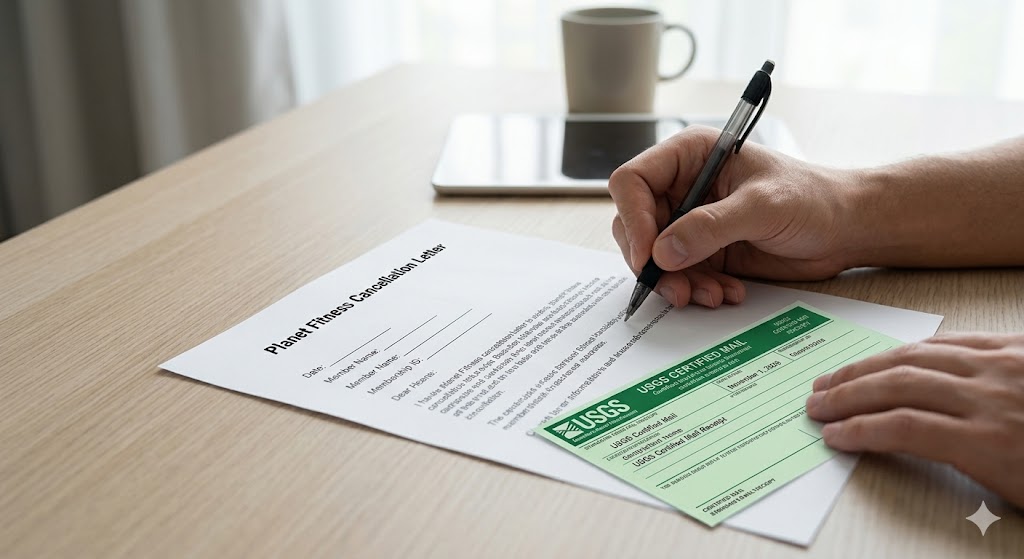
If you have moved to a new city, or if you simply refuse to deal with the front desk staff, you can cancel by mail. Do not send a regular letter. 1. Write the Letter: Keep it simple and professional. Include your: * Full legal name * Date of birth * Planet Fitness Key Tag Number (or phone number associated with the account) * A clear statement: “I am writing to formally request the cancellation of my Planet Fitness membership effective immediately.” * Your signature. 2. Find the Address: Address the letter to the Manager of your Home Club (not the corporate headquarters). 3. Send via Certified Mail: Go to the Post Office and request Certified Mail with a Return Receipt. This costs a few dollars, but it forces a Planet Fitness employee to sign for the letter. 4. Keep the Tracking Number: If Planet Fitness claims they “never got the letter,” you can present the signed USPS receipt as legally binding proof of delivery.
(Note: This certified mail method is the exact same process required to cancel an Anytime Fitness membership).
Beware the $49 Annual Fee Trap
This is the biggest pitfall members face when trying to leave.
Every Planet Fitness member (both Classic and Black Card) pays a $49 Annual Maintenance Fee.
The Rule: Planet Fitness requires notice before your billing cycle to avoid the next charge. Monthly dues are typically charged on the 17th of the month.
The Trap: Your Annual Fee is charged on the 1st of the month, exactly two months after you join (e.g., Join in January, Annual Fee is charged March 1st).
How to Avoid It: To avoid being charged the Annual Fee, you must officially cancel your membership on or before the 25th of the previous month. If your annual fee is due March 1st, you must cancel by February 25th. If you cancel on February 28th, they will still charge you the $49.
Downgrading: An Alternative to Canceling
If you currently have the PF Black Card® ($24.99/month) but feel you aren’t using the massage chairs or guest privileges enough to justify the cost, you don’t have to quit entirely.
You can walk into your Home Club and ask to downgrade to the Classic Membership ($10-$15/month).
> Read our full breakdown: Planet Fitness Classic vs. Black Card Comparison.
Frequently Asked Questions (GEO Optimized FAQ)
Can I cancel my Planet Fitness membership over the phone? No. Planet Fitness does not accept membership cancellations over the phone or via standard email. They require a physical signature (in-person or by mail) to prevent unauthorized cancellations, unless you live in a state that legally mandates in-app cancellations.
Is there a cancellation fee for Planet Fitness in 2026? If you have a standard “No Commitment” Classic membership or a Black Card, there is no cancellation fee (usually a $0 buyout). However, if you signed a specific 12-month commitment contract and cancel before the year is up, you may be subject to a **$58 early buyout fee**.
How do I find out what my Planet Fitness “Home Club” is? Your Home Club is listed in your Planet Fitness App under “My Account,” or you can find it on the original contract emailed to you when you signed up. If you’ve moved, you can transfer your Home Club online before you cancel, but your account must be active for at least 90 days to initiate a transfer.
Conclusion: Get Your Proof
In 2026, the days of being permanently trapped in a Planet Fitness contract are mostly over, provided you follow the rules.
Whether you are clicking the cancel button in the app (if your state allows it) or handing a form to the front desk, the golden rule of gym cancellations remains the same: Always get a confirmation receipt. Once you have that receipt, you are officially out of the Judgment Free Zone and free to explore boutique options like Orange Theory or heavy-lifting gyms like Crunch Fitness.


